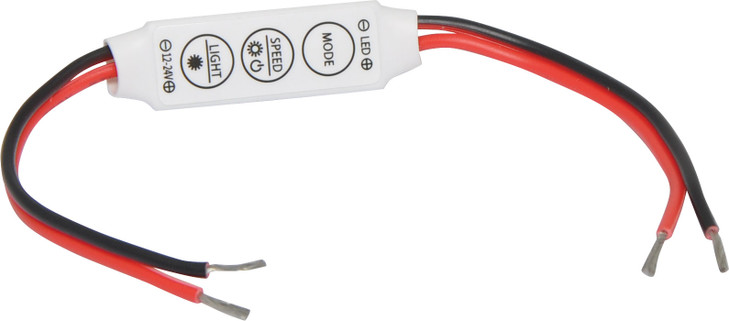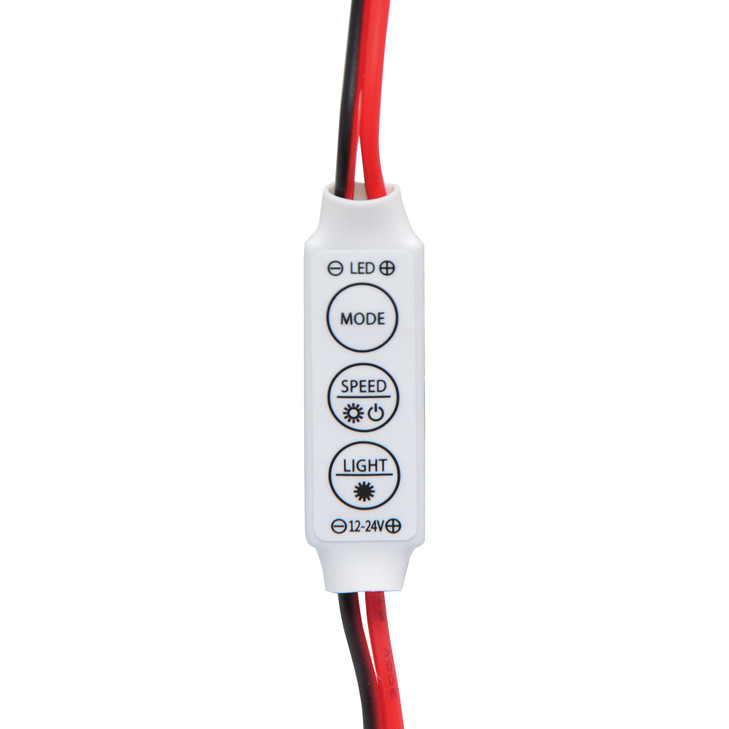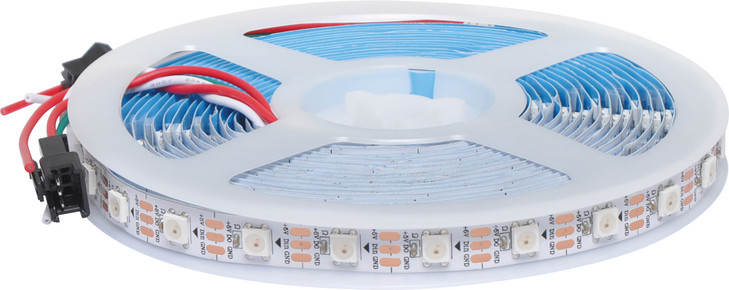
This unit controller and remote is designed for use with RGB Magic LED strip lighting. Offers 358 built-in lighting effects with adjustable brightness and speed, supporting up to 2048 pixels. Features include static and dynamic modes such as solid colour, jump, gradient, flash and automatic cycle, with quick mode switching and memory function to retain settings.
Maximum current 6A (equates to approx. 15m of strip lighting per controller). 2.1mm DC jack power input. For compatible power supplies there are two options dependant on what strip you are using. This controller can work with both X3216A and X3223A. Please see accessories listed below (M8937D to be used with X3216A and M8911B to be used with X3223A).
Please Note: If your X 3219A is supplied with a black plug, this is not required for use with X 3216A and can simply be cut off.”
Remote uses CR2025 battery.
Note: if strip lights up green when powering up, swap the controller to the other end of the LED strip and retest.
KEEP OUT OF REACH OF CHILDREN
THIS PRODUCT CONTAINS A BUTTON BATTERY.
- If swallowed, a lithium button battery can cause severe or fatal injuries within two hours.
- Keep batteries out of reach of children.
- If you suspect your child has swallowed or inserted a button battery, immediately call the 24-hour poisons information centre on 13 11 26 (within Australia) and seek medical attention.
Operation Note:
If remote is displaying incorrect colour LED's try the following process to reset it.
Once connected turn off (remove power) via controller, then press reset on remote. Lights should turn on white. Then press the speed button until all colours have been cycled through, once then start cycling through again. Stop on the first green. This indicates the correct mode, and all remote colours should change to the correct corresponding colour on the LED strip. Then press ON. If the colours are still not synced, repeat this process to load the correct code set. The unit will hold this "correct mode" even if power is removed. However if the reset button on remote is pushed then this procedure will need to be carried out again.


GENLAMP
Genlamp X3219A Magic LED Strip Controller with Remote - 358 Effects, up to 2048 Pixels
$39.00
(No reviews yet)
Write a Review

Write a Review
GENLAMP
Genlamp X3219A Magic LED Strip Controller with Remote - 358 Effects, up to 2048 Pixels
Related Products